Capture the day
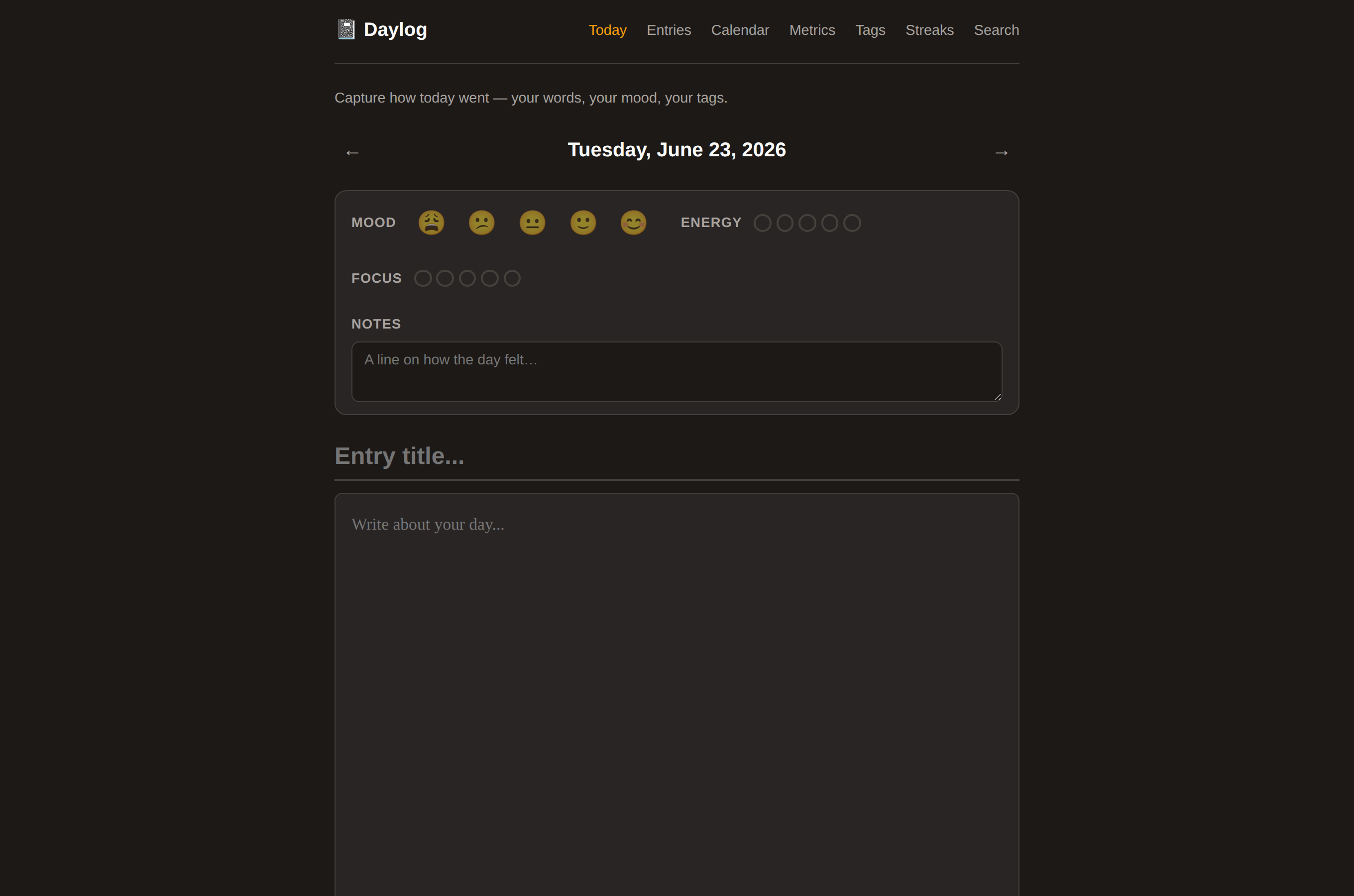
Write a title and entry, tag it if useful, and optionally start from a gentle prompt.
A quiet place for the everyday
One entry for the day. A little room for how you felt. A visible record of showing up again.
Daylog brings daily writing, mood, energy and focus ratings, habit check-ins, and a calendar together in a small local journal. An optional prompt can help you begin; it never writes for you.
01 / the daily page
Open a date, leave a few words, and add ratings only when they help. Move between dates, revisit entries from the calendar, and use an optional writing prompt when a blank page needs a beginning.
02 / a gentle rhythm
The journal is built around small repeatable actions, not a perfect entry every day.
Write a title and entry, tag it if useful, and optionally start from a gentle prompt.
Rate mood, energy and focus separately from the words, then review their trends over time.
Check in on a habit and browse the month grid to find the days you wrote.
03 / your daily journal
Keep entries, ratings, habits and tags together in a local SQLite journal. Search earlier words, browse the calendar, and review mood, energy and focus over time.
Start Daylog on your computer, then open the journal in your browser. The local service stays on this device’s loopback address; it is a personal journal, without an account or shared workspace.
daylog-linux-x64-glibc folder.node daylog.mjs --checkhttp://127.0.0.1:5183:node daylog.mjsFor 64-bit GNU/Linux with glibc, an SSE4.2-capable CPU and Node.js (built on glibc 2.39 with Node.js v26.8.1). Bun is included. Your journal lives in ~/.local/share/daylog; add --data-dir /absolute/path to keep it elsewhere. /home always opens this overview. Pinned Bun and library sources